
Jubensha
Anzir AppWrite characters, clues and a host’s guide.
Anzir Studio
A workspace for authors to develop original ideas, organise content and review the experience. Choose a creation path and build your work step by step.
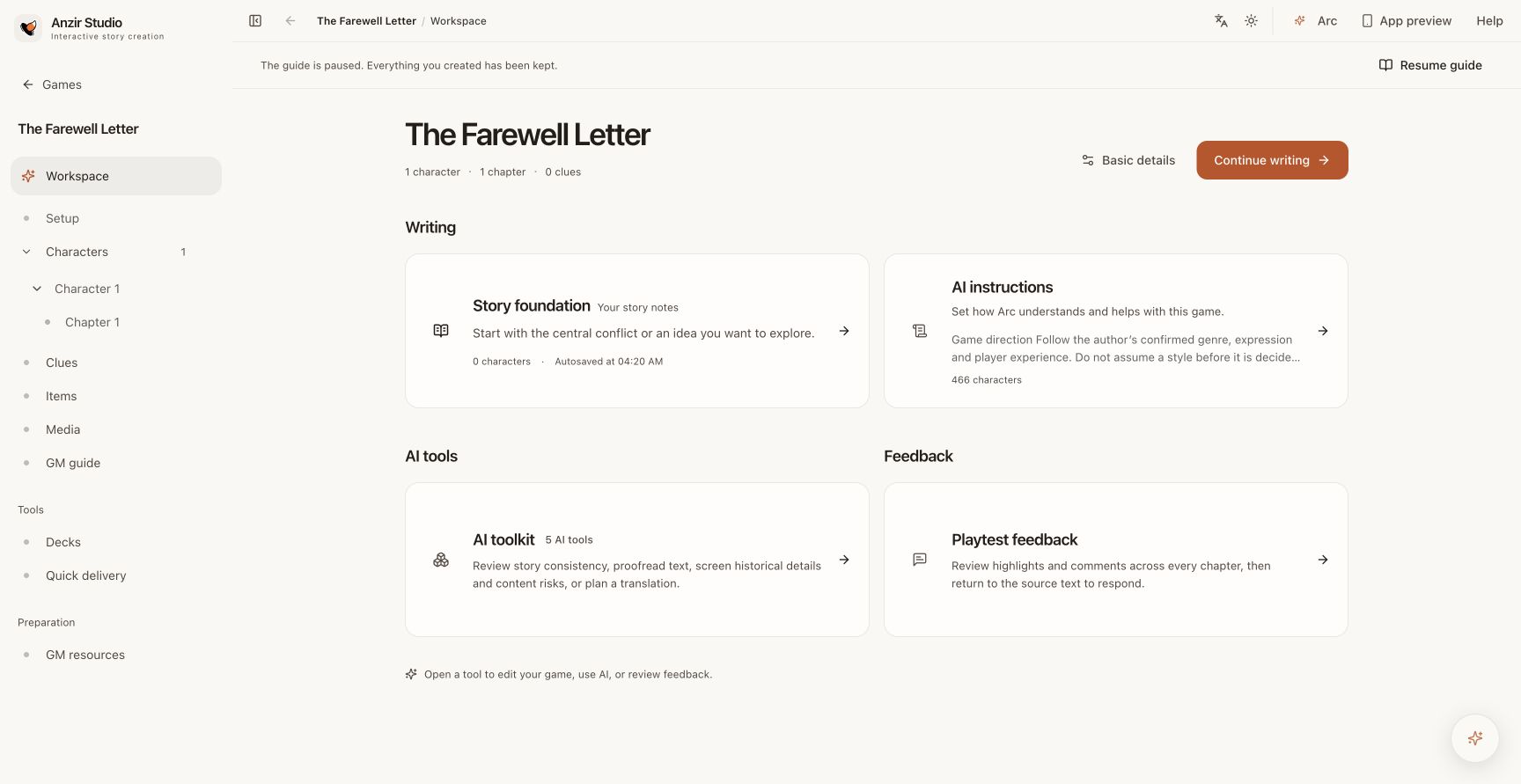
Find story planning, characters, hosting materials and playtest feedback in the work’s workspace.
Write characters, clues and a host’s guide.
Connect scenes, choices and branching paths.
Build a web game and connect the platform SDK.
Each path has its own tools and publishing flow. Sign in to Studio and follow the author-access steps shown for your account.
Keep characters, chapters, clues and hosting arrangements in one workspace, so you can focus on the work.
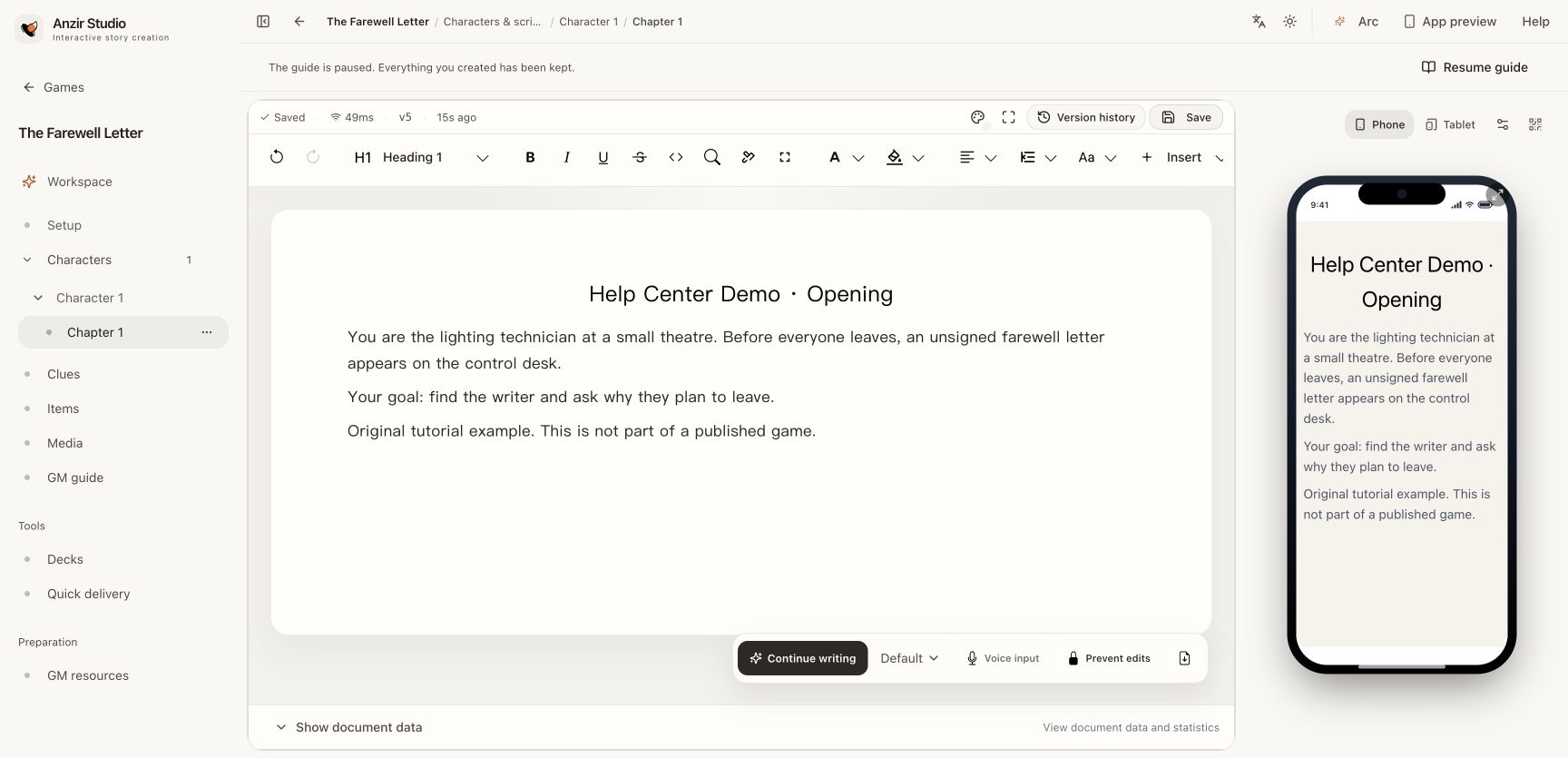
Each character holds only part of the story. What you write gives them a reason to talk.
View an example character: The keeper
Original character material · Excerpt
This original example explains the creative process. A complete work still needs playtesting with real players and revision based on their feedback.
The port has lost power and fog is approaching. Its only emergency guiding light can point in one direction. Four people each know part of the situation. Together they must choose: the passenger ship to the east or the supply ship to the west.
Open Studio to start creatingAll original example roles are available here to explain the creative process. In an actual session, material is delivered according to role and access permissions.
Studio opens in a new tab. Sign in and complete the current author-access steps to create your own work. This example is not imported automatically.
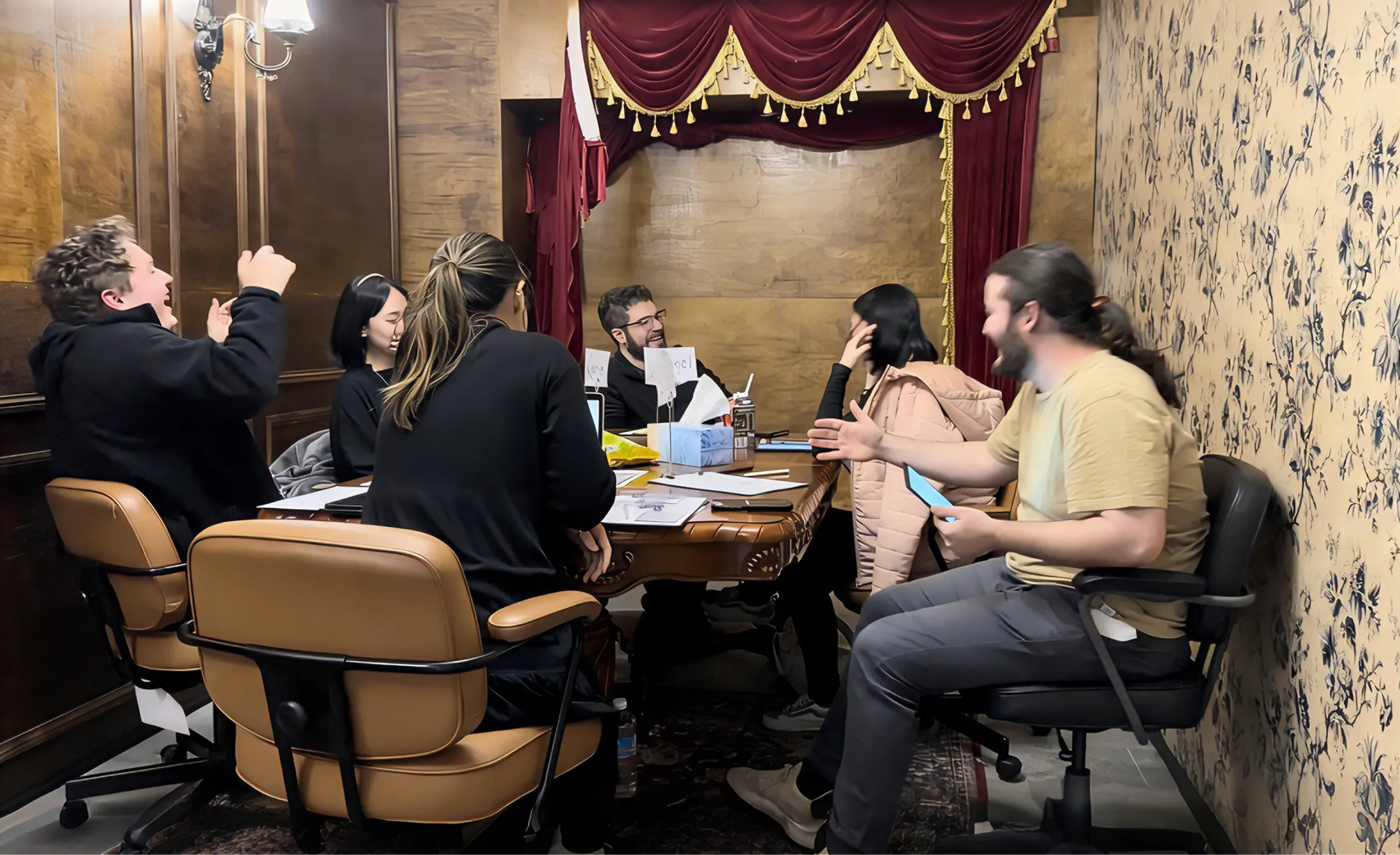
When people experience the work, differences in what characters know become conversations and choices. Observe these moments in playtests, then return to the work and refine it.
From the first draft to playtesting, then publication and commercial partnerships, choose the next step for the work.
Read the creation and playtesting notesYou do not need a finished manuscript to begin. Work through one small segment, then build on what you learn.
Open Anzir SpaceChoose a premise, a few characters and the kind of experience you want to create. If you bring existing text, images or audio, check that you have permission to use them.
Sign in or create an Anzir account. Use the author entry and follow the identity information and applicable terms shown there. If your account already has author access, continue to Studio.
Open the Jubensha creation workspace and give the draft a working title. Begin with character chapters, clues and hosting materials, then use the reading preview to check presentation.
Use the Jubensha playtest flow to invite players or venues. Confirm the test version and review status, gather observations and feedback, then revise the draft.
When the work is ready, review its public details, materials and applicable publishing terms, then submit a publishing version. Submission, approval and availability are separate stages.
The three commercial partnerships below apply only to Jubensha. Interactive games and Anzir Play follow their own product agreements and partnership terms; these revenue, IP and exclusivity arrangements do not automatically apply to them.
Full partnership information opens in your author workspace. Sign in to continue.
Read the Jubensha author agreementProvide and maintain your work while using the platform for listing, sales, digital delivery and settlement.
Anzir may contribute editing, playtesting, translation, artwork, channel promotion and ongoing operations as agreed for the work.
Agree the amount, deliverables and payment arrangements for one work.
Special terms may be negotiated, such as an author 70% / platform 30% platform split. The separate agreement defines the work, revenue layer, term and other conditions.
Free publication is also available: free work access generates no work-access sales revenue. Venue or hosting services are separate.
Rights, revenue calculations and settlement follow the agreement confirmed for the individual game.
Built for script authors, including venues, hosts and event organisers developing their original material.
Bring your story ideas and continue in the Studio author workspace.
Available in Studio after signing in with author access.
Creation, publication and commercial partnerships are separate steps. Before publishing or licensing a work, review the applicable author agreement and confirm the rights, permitted uses, duration and revenue terms.
Read the author agreementA few practical details about starting, testing and sharing your work.
Start by organising a small segment into characters, chapters or hosting material, then develop and test it. Follow the current author-access steps when you first enter. The website example explains the process; it does not automatically generate or import a work.
A work can invite creative collaborators to edit it. Agree the rights holder, credits, responsibilities and revenue arrangements before starting. Venue membership and creative collaboration are separate permissions; joining a venue does not automatically grant editing access to a work.
Check the model, credit balance and costs shown in Studio for AI usage. Testing follows the work’s test flow and permissions. Work licensing and formal session charges depend on the work, publishing path and payment page; venue or hosting services are separate. Test access has its own scope and does not replace the terms for formal use.
You can begin with your first idea. Jubensha focuses on character chapters and hosting materials. Interactive games also require scenes, conditions and actions. Anzir Play requires a web game package integrated with its SDK. Choose a path that suits your idea and your team, then create and test a small segment.
Start with your Anzir account. Studio also requires author access; follow the identity and terms steps shown for your account. Being signed in to the official website does not by itself confirm that author access is active.
You can organize existing material you have the right to use into characters, chapters and other game materials. Games also support collaborator access. Check the current permissions before inviting someone; bringing in text does not automatically convert an entire game or clear third-party rights.
The three commercial partnerships below apply only to Jubensha. Interactive games and Anzir Play follow their own product agreements and partnership terms; these revenue, IP and exclusivity arrangements do not automatically apply to them. No. Jubensha can focus on emotion, comedy, mystery, horror, strategy or factions. The starting point is the story and interaction you want players to experience. Studio also has a separate creation path for interactive games built around scenes and actions.
The Jubensha reading preview checks text, images and presentation. It does not confirm actual delivery, pacing or whether players understand what to do. Use the Jubensha playtest flow and check the version and review status. For interactive games, use the corresponding editor’s preview to check scenes, paths and actions. Both types of work need feedback from real players.
Arc can help explore ideas, draft or revise passages and review material in the scope available to it. Review its suggestions before applying them. AI usage is subject to the model, credit balance and cost information shown in Studio; it is not an unlimited service or a substitute for playtesting.
Choose platform listing, Anzir publishing or a buyout for each work. Standard listing is a non-exclusive 50/50 split with author-owned IP. Anzir publishing involves agreed contributions, IP rights, exclusivity and two revenue layers. Buyout amounts and rights are agreed separately. Review the work agreement.
No. A publishing version goes through the applicable submission and review process. Approval, listing and access must be checked separately. Commercial eligibility, revenue share and settlement follow the relevant agreement and release path; no particular earnings or review deadline is promised.